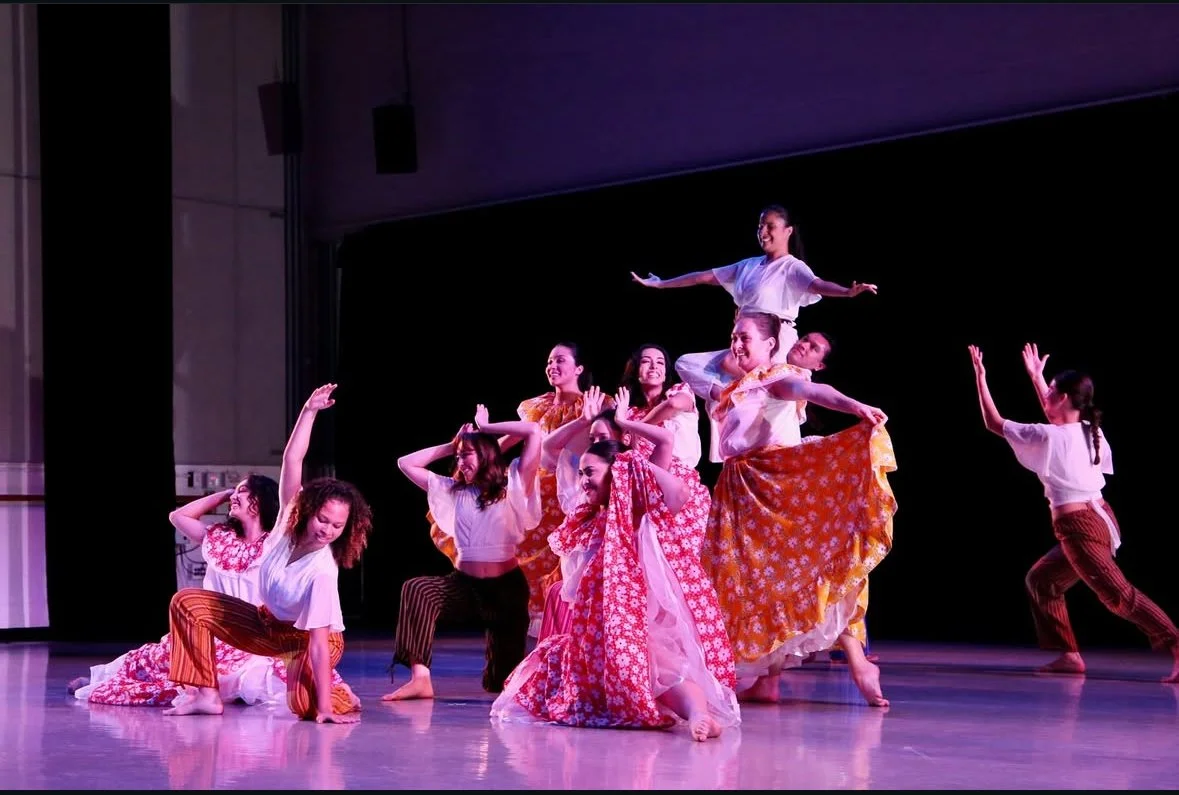
Introduction to Latin Dance
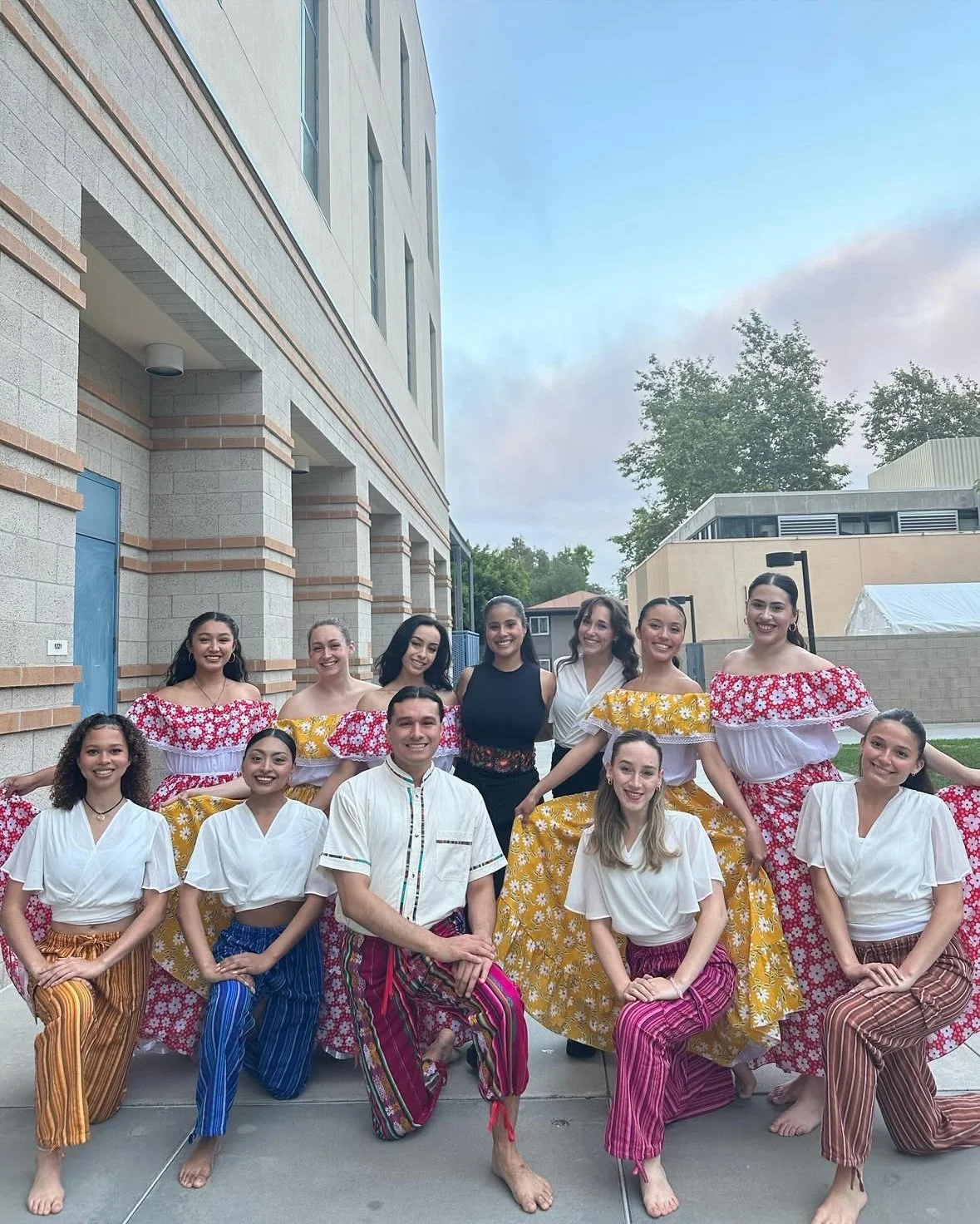
Explore the international forms of Latin dance such as salsa, tango, mambo, bachata, cha cha and paso doble.
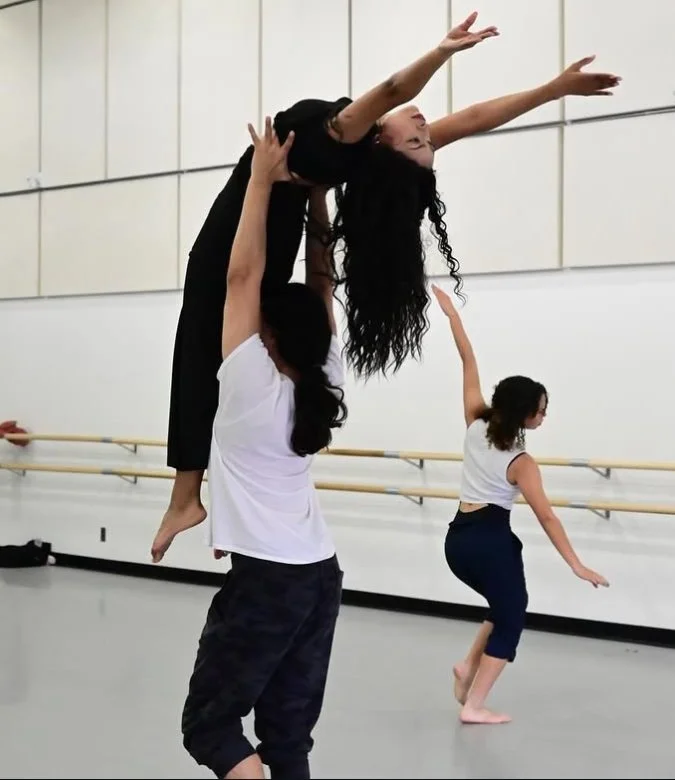
Combinations will be presented to gain strength, coordination and agility.
Upon completion of this course, the student will be able to: Demonstrate movement fundamentals of Latin dances. Discuss Latin dances as an art form. Identify historical aspects of Latin dances including country of origin, as well as cultural and social influencing factors on its development.
Students are limited to a combined total of four enrollments in DANC 66 and 70.

Topics Covered
Warm Up / Cool Down
Historical perspectives of Latin dance
Exploration of different Latin dance techniques with multimedia presentations and class participation.
Introduction of various dance styles and form with terminology and combinations
Discussion of body position, alignment, and footwork for each style
Important Dates
First Class Meeting On:Tuesday, 1/13/26
Add without Instructor Permission by: Sunday, 1/11/26
Last Day to Add with APC*:Sunday, 2/1/2026
Drop with Refund by:Sunday, 1/25/2026
Drop without "W" Grade by:Sunday, 2/1/2026
Drop with "W" Grade by:Saturday, 4/18/2026
Last Week of Class Ends:Wednesday, 5/20/2026

Step-by-Step Guide for Adding Classe
Log in to MySite: Use your full Saddleback College Email Address and Password (e.g., JDOE23@saddleback.edu).
Locate the Registration Self Service Card: Click on "Open Registration Dashboard"
Click on "Register for Classes": This will direct you to the registration page.
Select Term: Choose the term for which you are registering and click "Continue."
Search for Course: DANC 66 - Introduction to Latin Dance. CRN: 34117
TUESDAYS 6:00PM - 7:50 PM
6. Add Classes or Drop Courses:
To add a course: Click "Add" next to the course. The course will appear as "Pending" in the summary.
Scroll to the bottom of the page and check your class summary and schedule to confirm the class appears.
7. Submit Your Class Selection
In the Summary section, click "Submit" to finalize your selections.
Status for added courses will change to "Registered.
If all is well, your classes will be highlighted in green.
If there is a problem, your classes will be highlighted in red.